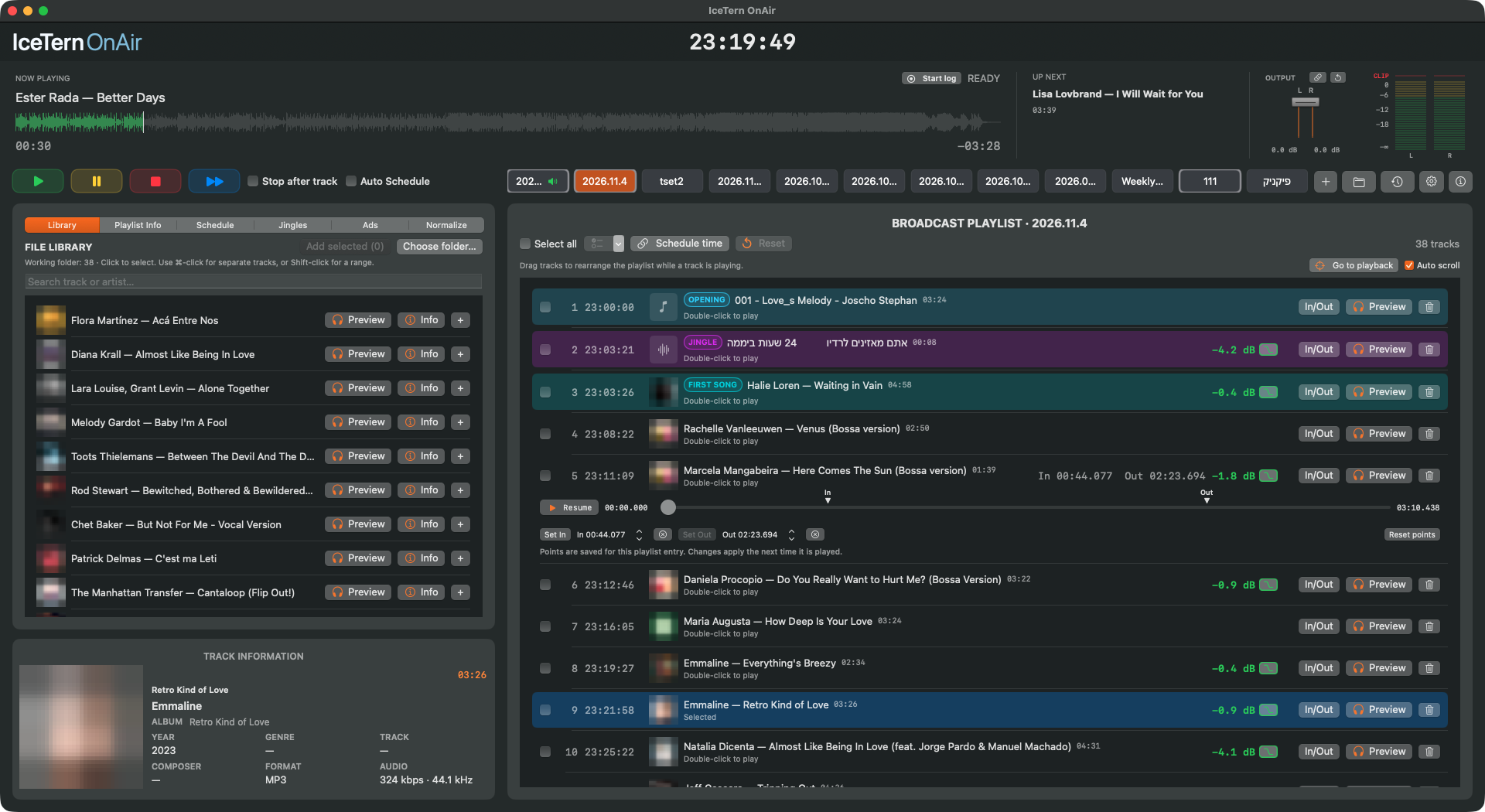
Playlist management
Build playlists around the running order of your program, with music, station jingles, and commercials. Save and reload a playlist with its automation settings, track cue points, and song notes intact.
 IceTern
Real-time audio playback and scheduling for live broadcasts.
Subscription licensing is planned for broadcasters and internet radio stations.
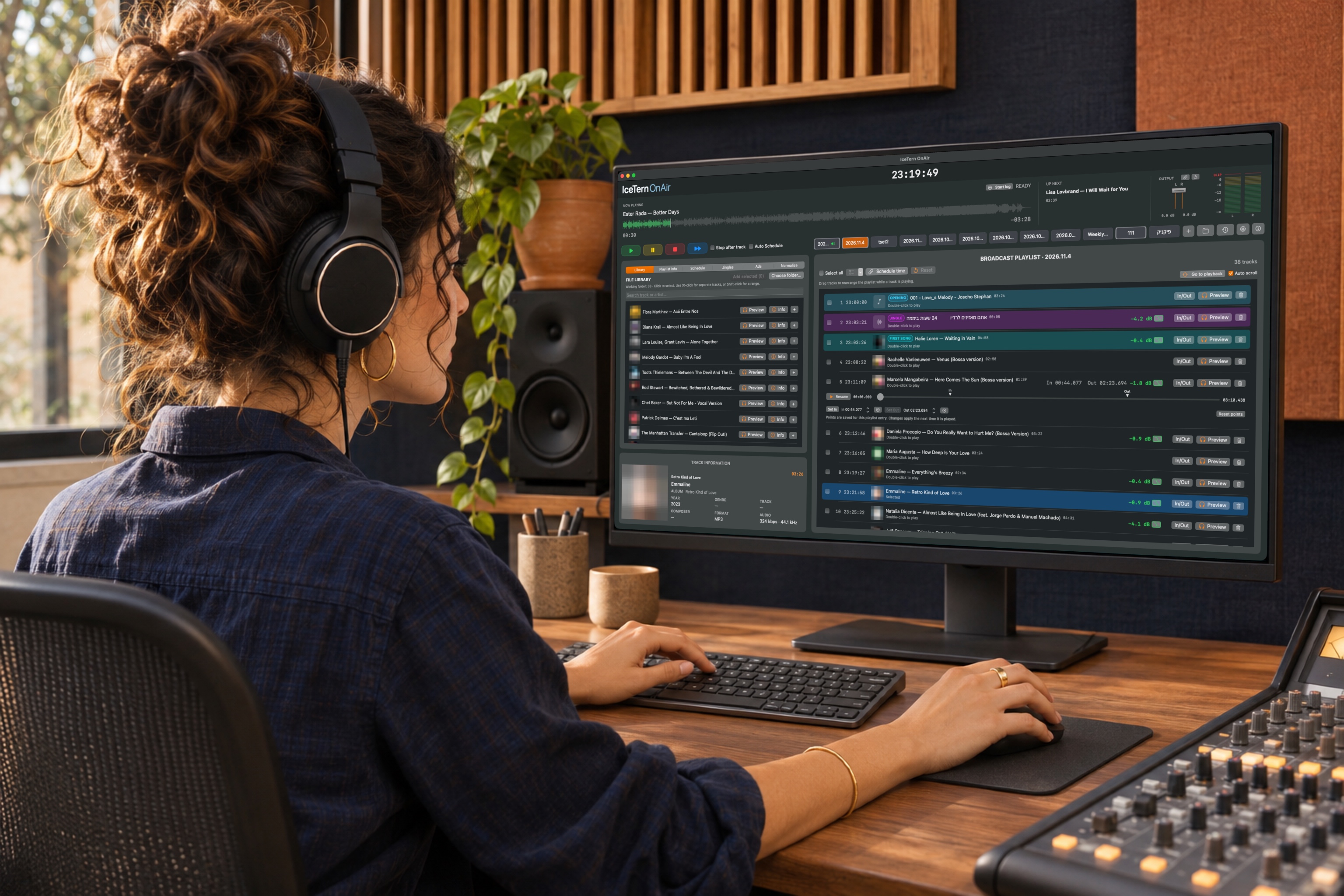
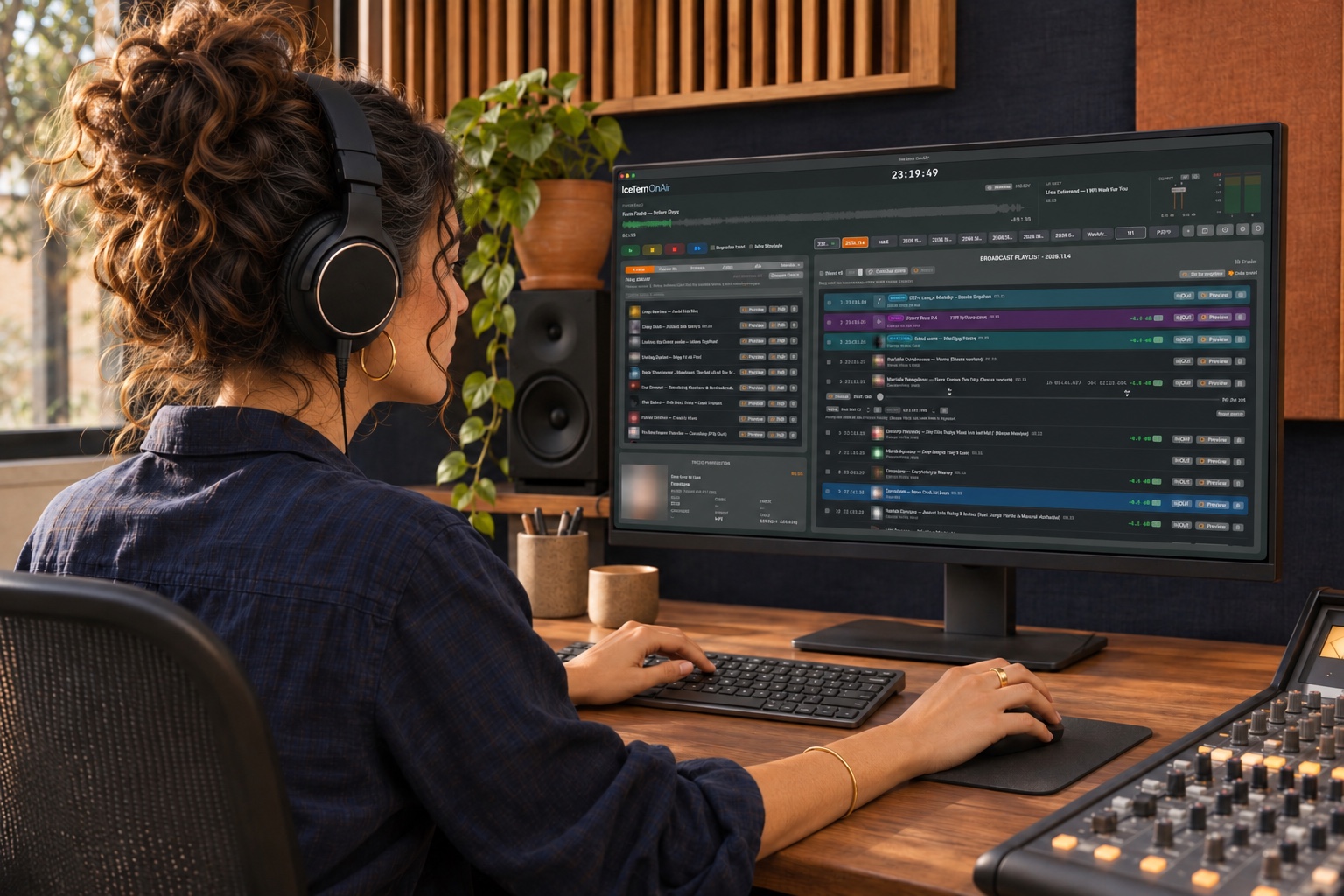
Build playlists around the running order of your program, with music, station jingles, and commercials. Save and reload a playlist with its automation settings, track cue points, and song notes intact.
Listen to a track privately while the live broadcast continues. Route the broadcast stream and preview audio independently to the available outputs you choose, such as the studio mixer for the broadcast and headphones for preview.
A commercial can sound much louder than the song before it. Choose a reference track and use automatic level normalization to keep playback levels consistent as you move between recordings.
Schedule playlists for broadcast and use the waveform to set each track’s start and end points. Set those points while preparing the show or edit them during the broadcast. Set fade times for play, pause, and stop, and choose the crossfade duration when advancing to the next item.
Add a note to any song, such as a pronunciation cue or a fact you want to mention on air. A visible indicator reminds you when a song has a note you can open during the show. Start the broadcast log to record what aired and when.